The best free sample of invoice is an editable Word or Excel file that already matches how you bill, so you only replace the sample details with your own. Pick the hourly service invoice if you sell your time. Choose the consultant invoice for project fees and retainers, and the attorney invoice for legal work. Painters and cleaners should take the job-based trade invoice, and exporters the commercial invoice for cross-border shipments.
Most people searching for a sample want the same thing. They want to see what a finished invoice looks like, download it without opening an account, change the names and numbers, and send it as a PDF. A generic sample often lacks the fields your trade needs, such as a contingency fee line or an HS code. A missing field is what makes a client question a bill.
Unique Printable offers free invoice templates for each of these cases, with no sign-up or payment. This guide walks through five sample types: what each contains, who it fits, and how to edit it.
1. Hourly service invoice
What the sample includes
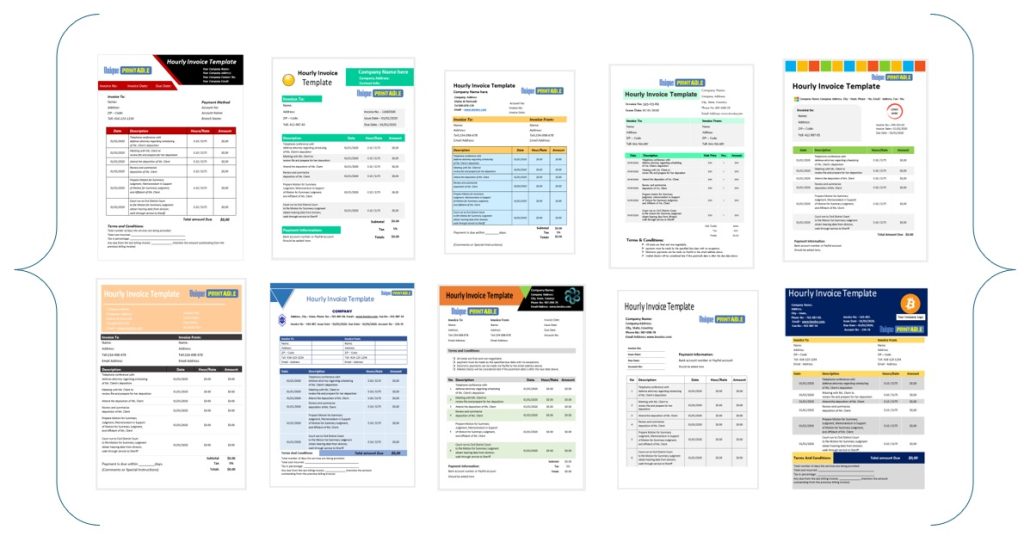
The Free Hourly Service Invoice Templates are Word files that list your services, hourly rate, final cost, due date and payment details on a single document. They are a good first sample to study, because the layout shows the core that every invoice needs:
- Your business name, address and contact details
- Client name and billing address
- A unique invoice number and the issue date
- Itemized lines with hours, rate and line amount
- Subtotal, tax if you charge it, and total due
- Due date, payment terms and how to pay
Here is a worked example. You bill 6.5 hours at $85, which is $552.50. If 6% sales tax applies to your service, the tax is $33.15 and the total due is $585.65.
A good invoice tells the client what they owe, why they owe it, and by when.
Who it suits and how to edit it
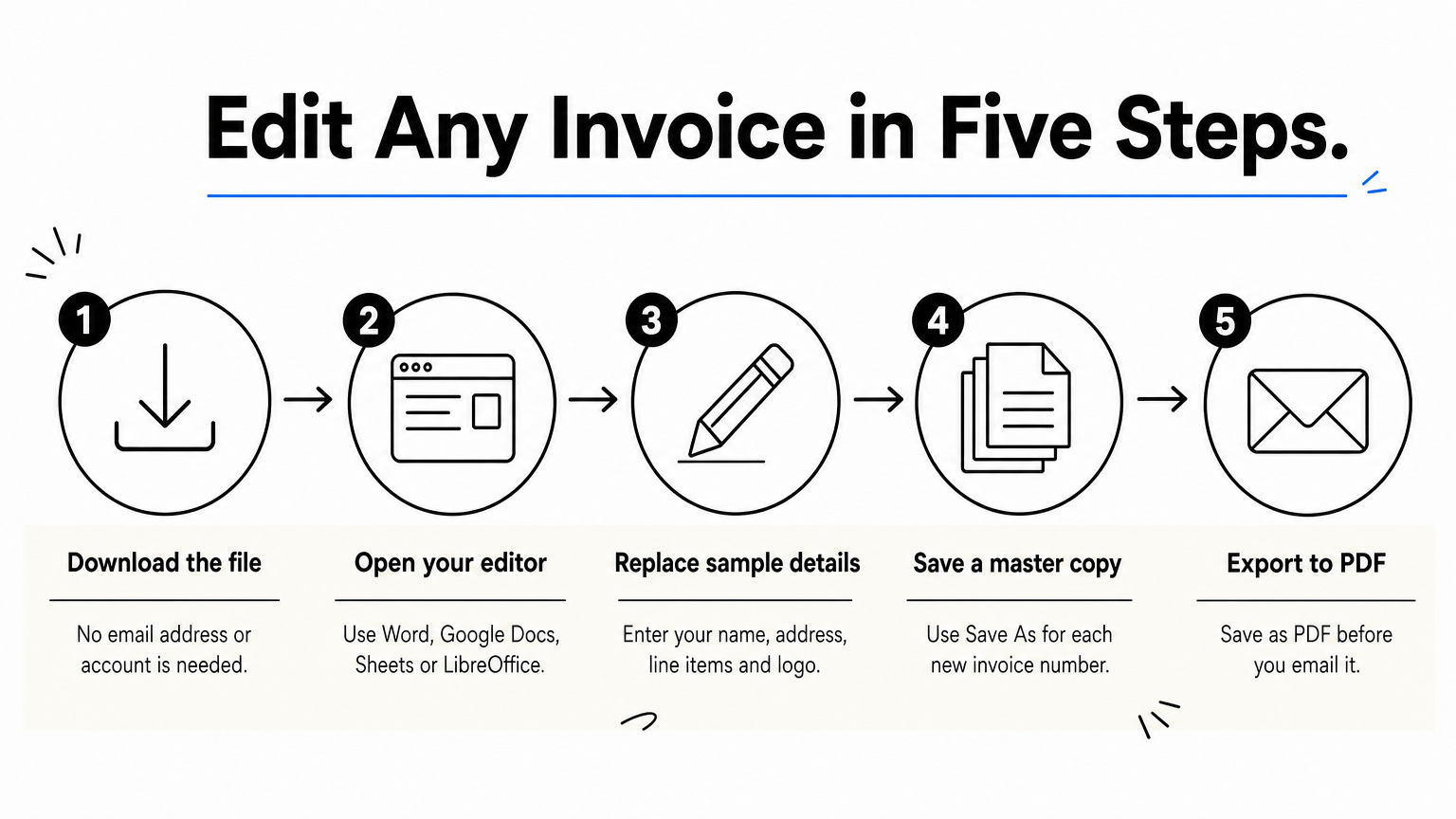
This sample suits freelancers, tutors, contractors and anyone who charges by the hour. The same steps work for every template in this list:
- Download the file. No email address or account is needed.
- Open it in Word, or upload it to Google Drive to use it in Google Docs or Sheets. LibreOffice also works.
- Replace the sample name, address and line items, then add your logo.
- Save the cleaned file as a master copy and use Save As for each new invoice, with the invoice number in the file name.
- Export or save as PDF before you email it.
Templates open on A4 by default, so switch to US Letter in Page Setup before you print.
2. Consultant invoice
What the sample includes
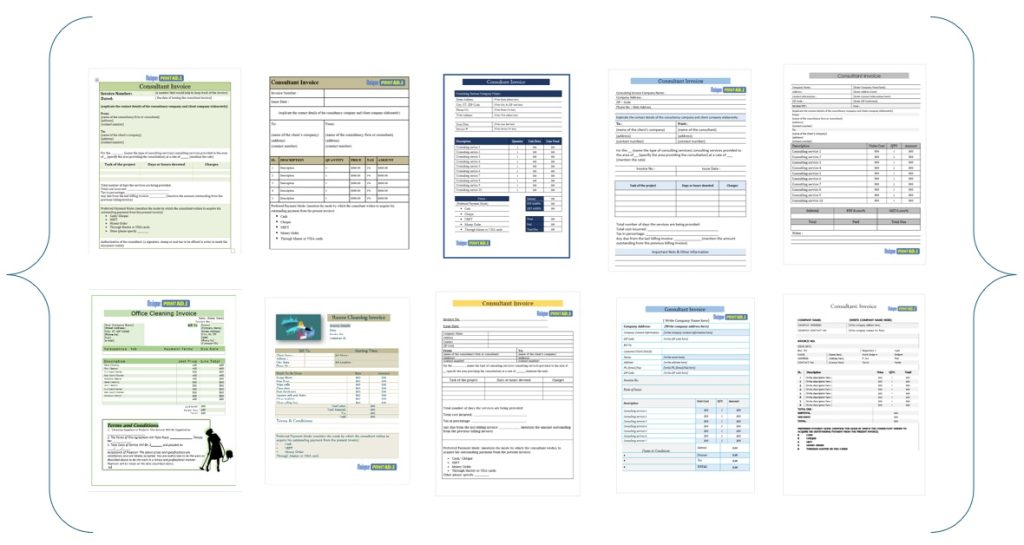
The Free Consultant Invoice Templates are a collection of 8+ designs in Word and Excel for consultants who bill clients for services. Use the Word versions when you want a clean, layout-first page. Choose Excel when you want the totals to calculate as you add lines.
Consulting work is often vague on paper, so add the specifics yourself. Name the engagement, state the billing period, and describe each deliverable in a short line. A client’s accounts team should be able to match your invoice to a contract without emailing you.
A consultant’s invoice sells nothing new, it only proves the work that was already agreed.
Who it suits and how to edit it
This sample fits independent consultants, advisors and small agencies that mix hourly work with fixed project fees. If you invoice a retainer, keep one line for the retainer and separate lines for any extra hours so the client sees what is extra.
Choose one master file per client type. A Word master for fixed fees and an Excel master for hourly work is a practical split. Fill in your payment terms once, such as "due in 14 days", and every later invoice inherits them.
3. Attorney invoice
What the sample includes
The Free Attorney Invoice Templates give you 10+ options in Word and Excel, built for law firms and independent lawyers billing for legal services. The main thing to look for in an attorney sample is a clear place to state the fee type: hourly, flat or contingency. Each one reads differently on an invoice, and the client should never have to guess which applies.

For hourly matters, list the date, a short task description and the time for each entry. For a flat fee, name the matter and the stage it covers. For a contingency matter, state the agreed percentage and what it applies to.
With legal billing, clarity on the fee type matters more than layout.
Who it suits and how to edit it
This sample suits solo practitioners, small firms and legal consultants who want an editable sample rather than a locked form. You can update the file whenever your rates or terms change.
Add a client and matter reference to every invoice so entries tie back to one file. Rules on legal billing and client funds vary by state, so check your state bar’s requirements before you finalize your format. The template gives you structure, not compliance advice.
4. Painting and cleaning job invoice
What the sample includes
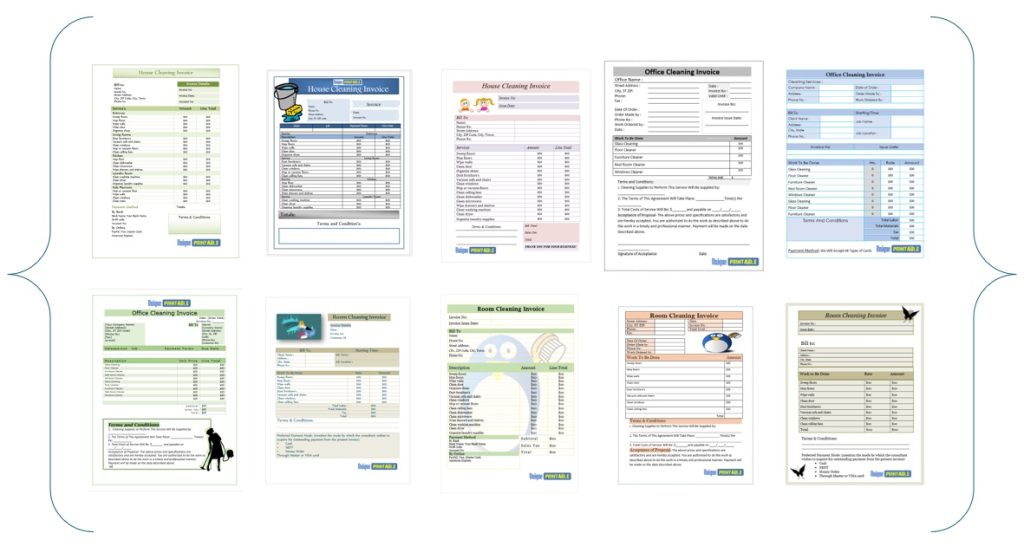
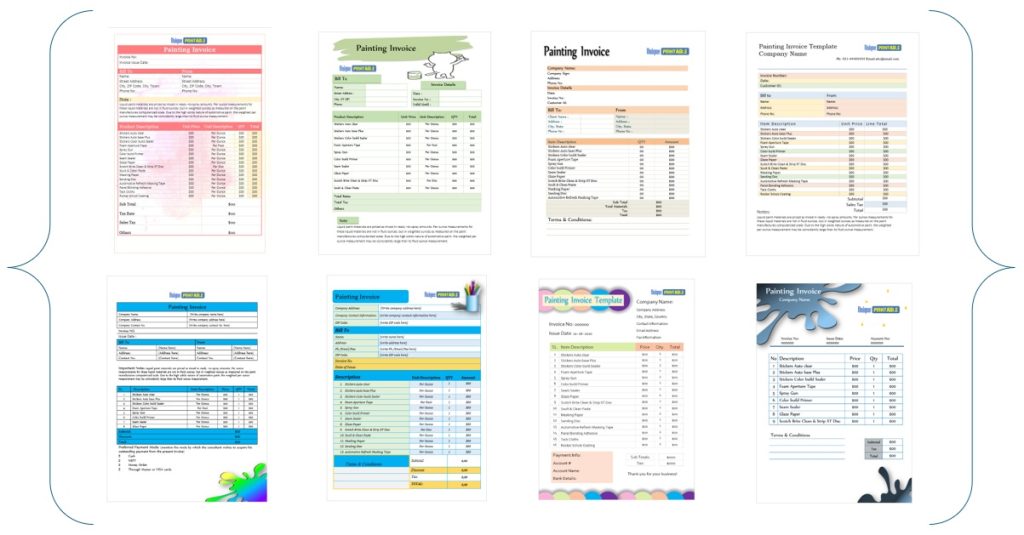
Job-based trades need a sample that separates labor from materials. The Free Painting Invoice Templates come in Word and Excel with fields for the work performed, material costs, labor fees, taxes and payment terms. The Free Cleaning Services Invoice Templates offer 10+ Word designs, made for cleaning businesses that bill for jobs such as floors and glass windows.

List the areas or rooms on each line. "Living room, two coats" is easier for a customer to approve than a single lump sum. Show paint, supplies or equipment charges on their own lines.
Customers pay faster when they can see where the money went.
Who it suits and how to edit it
Painters, contractors and cleaning crews are the natural users. Pick the Excel painting version if you want materials and labor to add up automatically. Pick Word if you prefer a simple printed page you can hand over on site.
For recurring cleaning clients, keep one master per client and change only the date, invoice number and visit details. Put the payment terms and accepted payment methods at the bottom, where customers look for them.
5. Commercial invoice
What the sample includes
The Free Commercial Invoice Templates are 6 Word templates, including proforma and export versions. All fields are editable, with space for HS codes, country of origin and shipping terms. The document is meant for exporters whose paperwork customs authorities use to clear a shipment and assess duty.
A commercial invoice needs more detail than a service invoice. Describe each product plainly, give quantities and unit prices, and add the buyer’s and seller’s full addresses. The proforma version is sent before goods ship to confirm the terms. The commercial version goes with the shipment itself.
On a cross-border shipment, a vague line item can hold up the goods.
Who it suits and how to edit it
This sample suits small exporters, online sellers shipping abroad and trading businesses. Confirm the exact fields the destination country requires with your carrier or customs broker, since requirements differ by country.
Edit the template once with your company details, then save it as your master. For each shipment, change the buyer, products, values and shipping terms, and export a PDF to send with the shipment documents.
Pick one and send your first invoice
A useful free sample matches how you bill. Hourly workers need rate and time lines, consultants need a clear scope, and lawyers need the fee type stated. Trades need labor split from materials, and exporters need the customs fields. Download the closest match, replace the sample details, save a master copy and export a PDF for each client.
If you are ready to start, browse the free invoice templates at Unique Printable and download the one that fits your work. It takes under a minute and costs nothing.