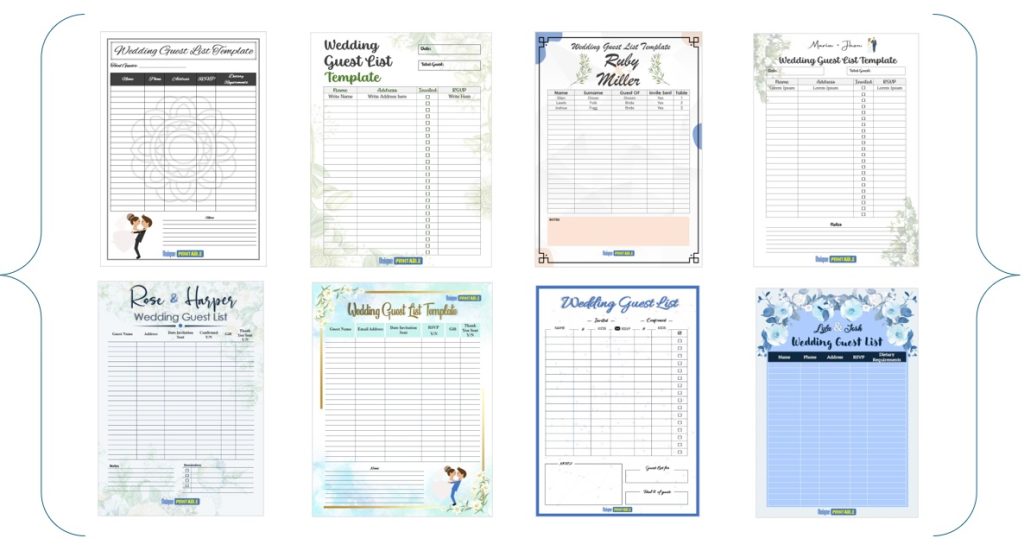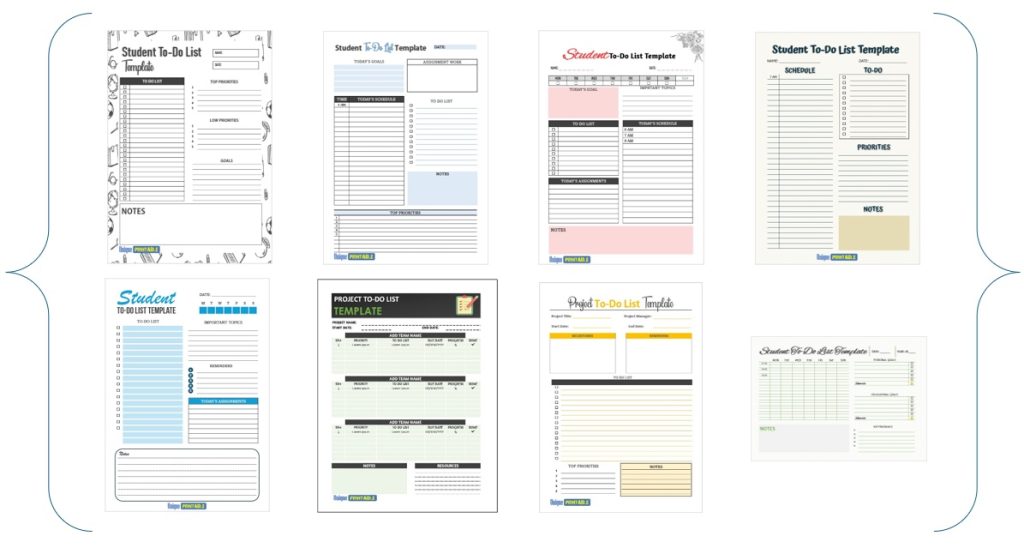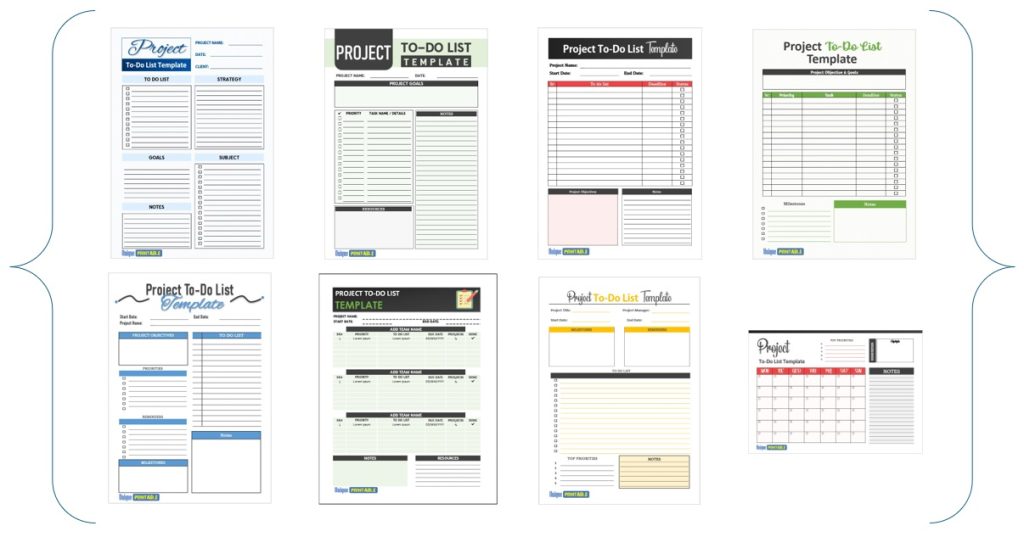
The best weekly to do list is the one you actually open every morning, so choose the format that matches where you already work. Free printable Word or Excel files suit people who plan on paper or in Microsoft Office. A Notion template suits anyone who lives in a workspace app. Tweek suits people who want a clean weekly view on a phone, and Canva suits anyone who wants a designed printable.
Most weekly lists fail for the same reason. They turn into one long dump of tasks with no days attached, so by Wednesday you stop trusting them. A good template gives each day a place, leaves room for priorities, and lets you start a fresh week in seconds.
Below you will find four free options, each judged on how it works, who it suits and what it costs. After that comes a step-by-step method with a filled-in example week. The first pick comes from our own library at Unique Printable, which hosts more than 400 free editable templates, so we also say where the other options do a better job.
1. Unique Printable weekly to-do list templates
Our free weekly to-do list templates are editable Word or Excel files that lay out the next seven days on a printable page. You download, type, print, and nothing requires an account.
How it works
Open the file in the program you already own. Choose Word when you want a layout to print and fill in by hand. Choose Excel when you would rather type, sort and tick off tasks in a sheet. Then follow these steps:
- Download the Word or Excel version. The file format is listed on each download.
- Change the headings and rows to match your week, and add your name or logo if you like.
- Switch the paper size from A4 to US Letter in Page Setup, then print or export to PDF.
- Save the file as a master copy and use Save As each Monday.
If you work in Google, upload the .docx file to Google Drive and open it in Google Docs, or open the Excel file in Google Sheets. LibreOffice also opens both formats.
A weekly to-do list you can edit and print in a minute beats a perfect system you never set up.
Who it suits and what it costs
These templates suit professionals, business owners and students who want to schedule and prioritize a week without learning a new app. They also work well for anyone who thinks better with a pen.
- Cost: free, with no sign-up, email address or payment.
- Use: personal or commercial, including your own branding. You cannot resell the template files themselves.
- Limit: it is a document, so it has no reminders or phone sync.
- Next step: the same library has daily (10 in Word), monthly (9 in Word and Excel), student (Excel) and project to-do list sets.
2. Notion weekly to-do list template
Notion’s weekly to-do list template is a digital page that shows one week at a time and starts a new blank week with one click. It fits people who already keep notes and projects in Notion.
How it works
The template is built to plan the work you need to finish over the next seven days. It gives you an agenda view of your most important to-dos rather than a flat checklist. The routine is short:
- Duplicate the template from Notion’s template gallery into your workspace.
- Add your tasks to the week’s agenda.
- Click the blank-week button when the week ends, and start again.
Because it shows a single week, old tasks never pile up on screen. That keeps the page calm, but you must copy forward anything unfinished yourself.
A one-week view forces a useful habit: if a task does not fit this week, it does not belong on this list.
Who it suits and what it costs
It suits students and remote workers who already live in Notion and want a basic weekly page without building one. Its template page shows a 4.85 rating from more than 1,000 ratings, and reviewers praise how simple it is.
- Cost: the template is listed in the gallery. You need a Notion workspace to use it, so check Notion’s current plan limits.
- Limit: reviewers call it basic. It has no printable layout built for paper, and it only works if you open Notion daily.
3. Tweek weekly planner and to-do app
Tweek is a minimal weekly planner and to-do app that opens on a weekly view by default. It is the best pick here if you want your week on your phone and your laptop at once.
How it works
One account syncs across the web, iPhone, iPad, Android, Mac and Windows. You switch between week, month and day views, and any task can carry a note. A typical setup looks like this:
- Sign in once and open the weekly view.
- Drop tasks onto the days they belong to.
- Use the printable version if you want a paper copy of the same week.
Tweek also offers shared calendars, so a family or small team can keep one weekly list together. Its App Store rating is 4.8 from more than 6,500 ratings, and Google Play shows 4.4 from more than 3,600.
If your week lives on your phone, a weekly planner app will beat any file you have to remember to open.
Who it suits and what it costs
It suits individuals, couples, families and small teams who want a weekly to-do list planner without much setup.
- Cost: free for unlimited users, including notes on any task.
- Premium: adds subtasks, attachments, reminders, repeating tasks and sync with Google Calendar and Outlook. Check Tweek’s own page for current pricing.
- Limit: the free plan lacks reminders and repeating tasks, which matters if your week has recurring chores.
4. Canva weekly to-do list templates
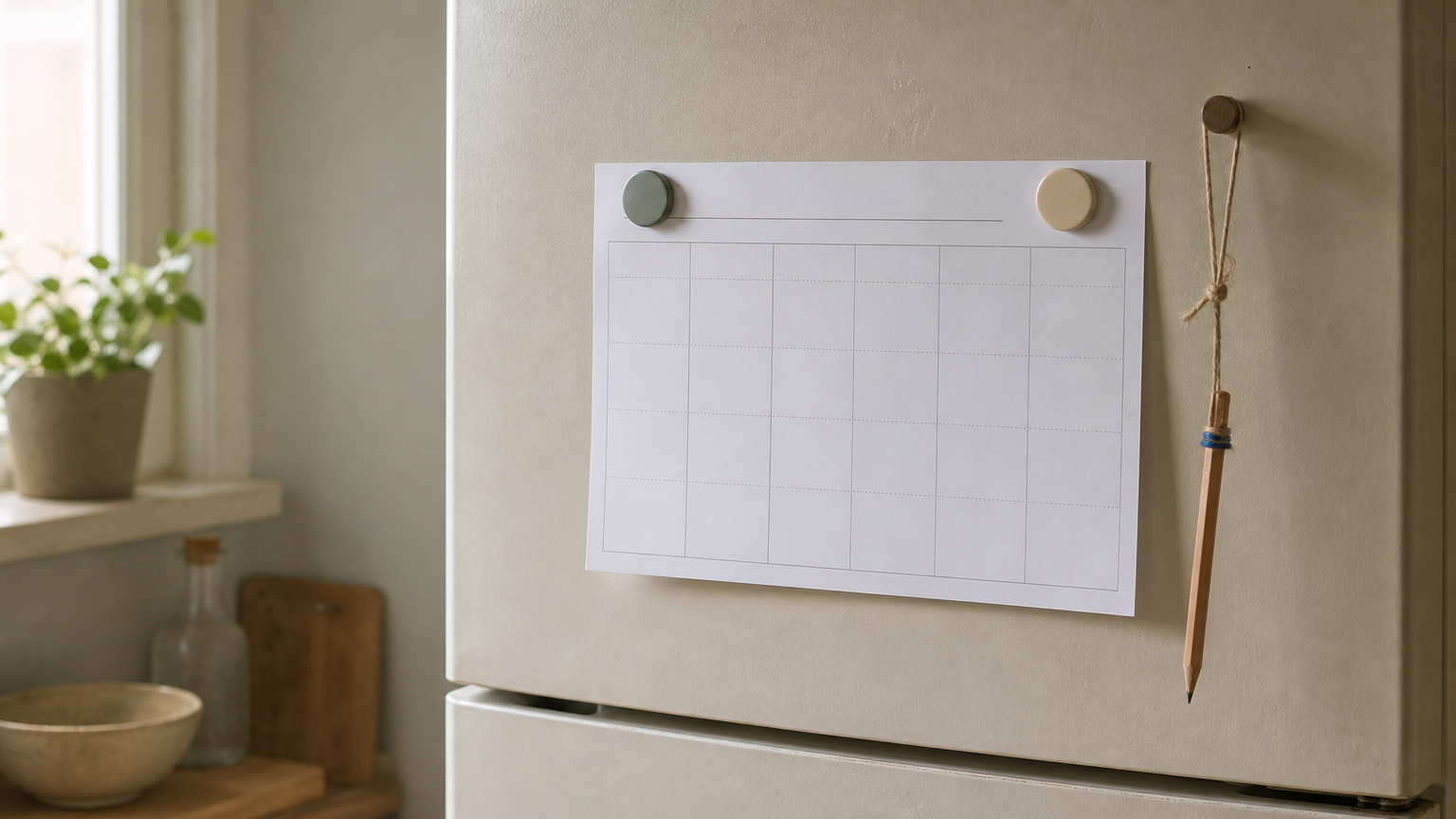
Canva offers free, customizable to-do list layouts that you edit online and print. Pick it when you want a weekly list that looks good on a wall, fridge or desk.
How it works
Search Canva’s templates for "to-do list" and you will find about 20,000 designs, so narrowing to weekly layouts matters. Landscape weekly planners are among them, including a weekly priority list in US Letter size. Then:
- Choose a weekly layout and open it in the editor.
- Replace the text, colors and fonts with your own.
- Print it, or share the design digitally.
You print a fresh copy each week or duplicate the design for the next one. Check which elements are free before you commit to a layout.
Canva gives you a better-looking weekly list, not a better-working one, so choose it for design and not for tracking.
Who it suits and what it costs
It suits teachers, parents and anyone who plans visually and likes colored, decorated pages.
- Cost: the templates are offered as free to customize. You need to sign in to edit.
- Limit: it is a design tool, not a task tracker. It has no reminders, no sync and no sorting, so a changed plan means re-editing the page.
How to make a weekly to do list that works
A weekly to do list works when it holds a few priorities, assigns each to a day, and leaves slack for the unexpected. You can build one in about 15 minutes with any of the four options above.
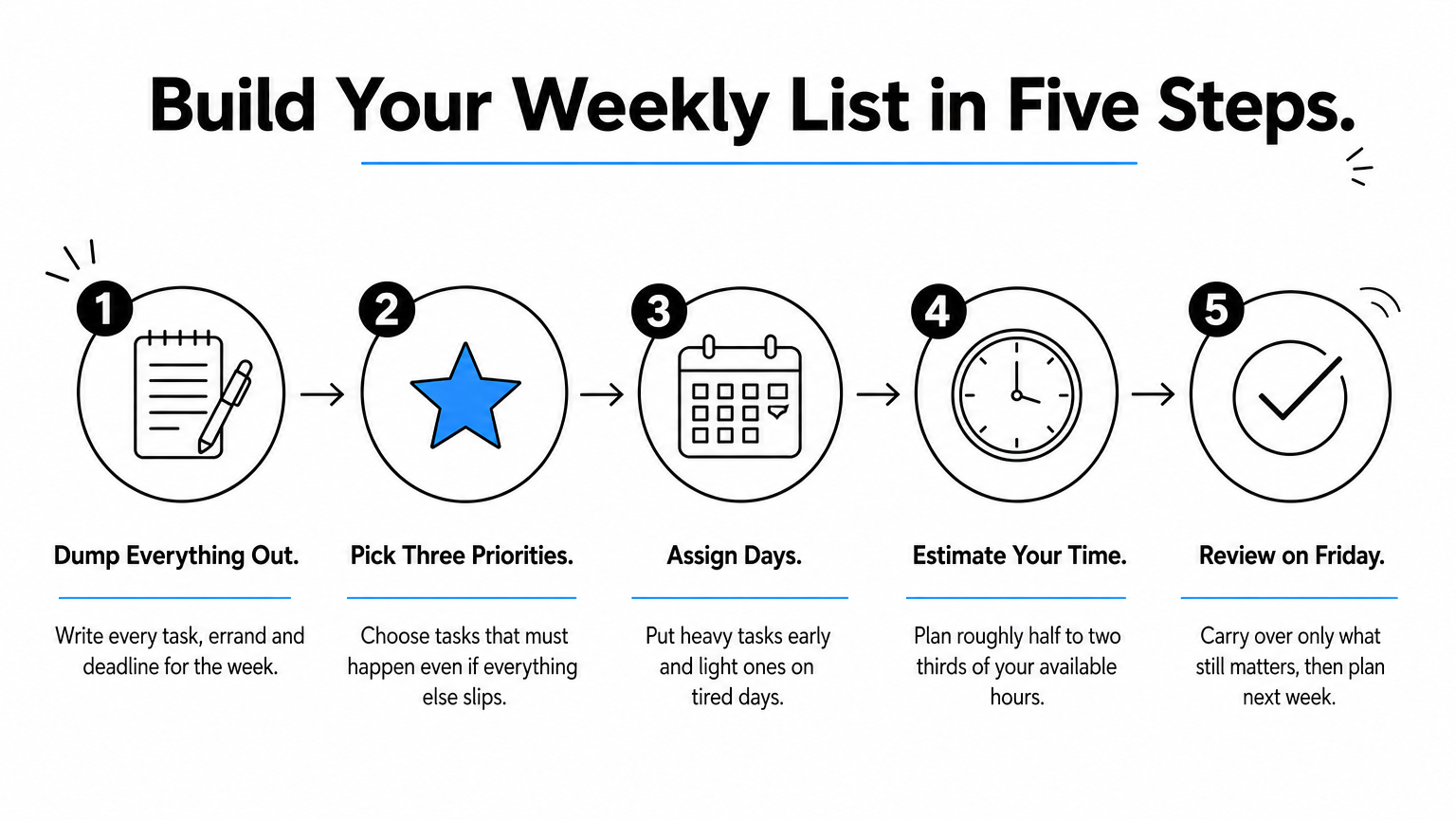
Five steps to build your list
- Dump everything. Write every task, errand and deadline you can think of for the week.
- Pick three priorities. These are the tasks that must happen even if everything else slips.
- Assign days. Put heavy tasks early in the week and light ones on tired days.
- Estimate time. Plan roughly half to two thirds of your available hours.
- Review on Friday. Carry over only what still matters, then plan the next week.
A filled-in example week
Here is a sample for someone who works a 40-hour week. Examples of weekly tasks include client work, admin, errands and household chores, mixed together.
| Day | Priority task | Smaller tasks | Planned hours |
|---|---|---|---|
| Monday | Draft client proposal | Reply to emails, book dentist | 5 |
| Tuesday | Finish and send proposal | Pay two invoices | 5 |
| Wednesday | Prepare team meeting | Update budget sheet | 4 |
| Thursday | Follow up on client call | Order supplies, laundry | 4 |
| Friday | Weekly review | Tidy files, plan next week | 3 |
The plan totals 21 hours of a 40-hour week. The gap is deliberate, because meetings and surprises will fill it.
Linking monthly, weekly and daily lists
Use a monthly list for big goals, the weekly list for commitments, and a daily list for the three to five tasks you will do today. Each level feeds the next. You pull tasks down from the month into the week, then from the week into the day.
If you want the full set in one place, our library has monthly and daily to-do list templates that match the weekly ones.
Pick one and plan this week
Choose the format you will open daily. Use printable Word or Excel files if you like paper, Notion if you already work there, Tweek if your week lives on your phone, and Canva if looks matter. Whichever you pick, keep three priorities, give every task a day and leave roughly a third of your hours empty.
You can have your first week planned in a few minutes. Download a free weekly to-do list template, edit it to fit your week, and print it before Monday.