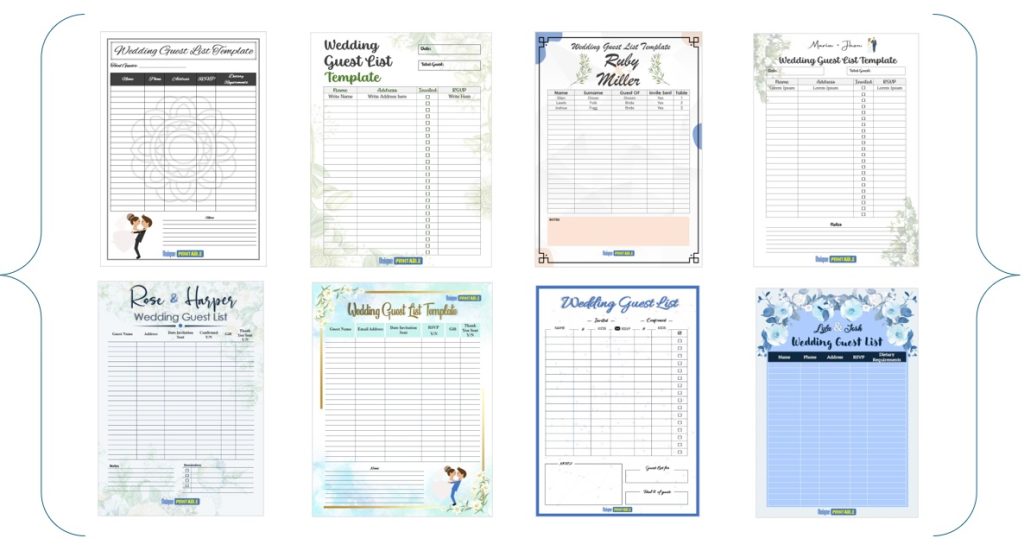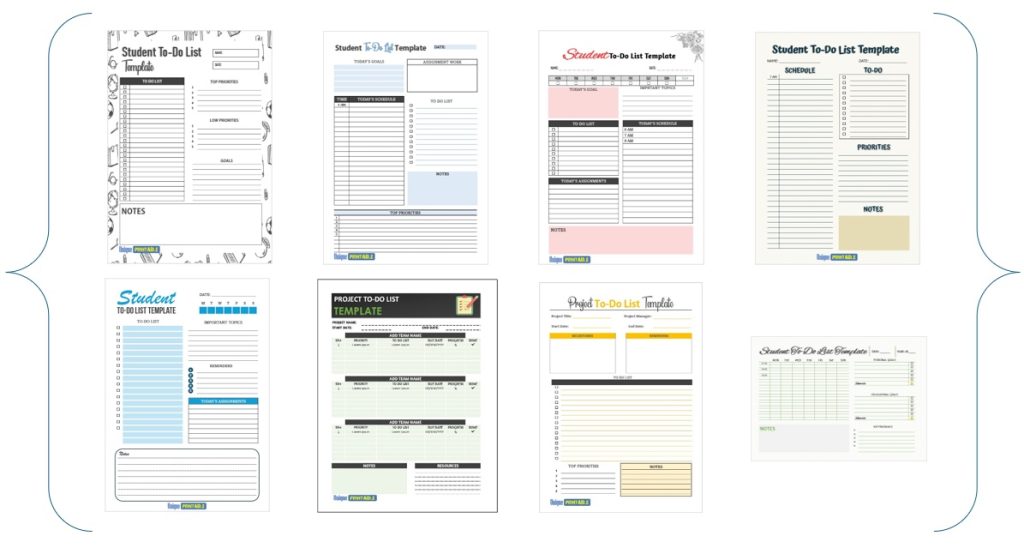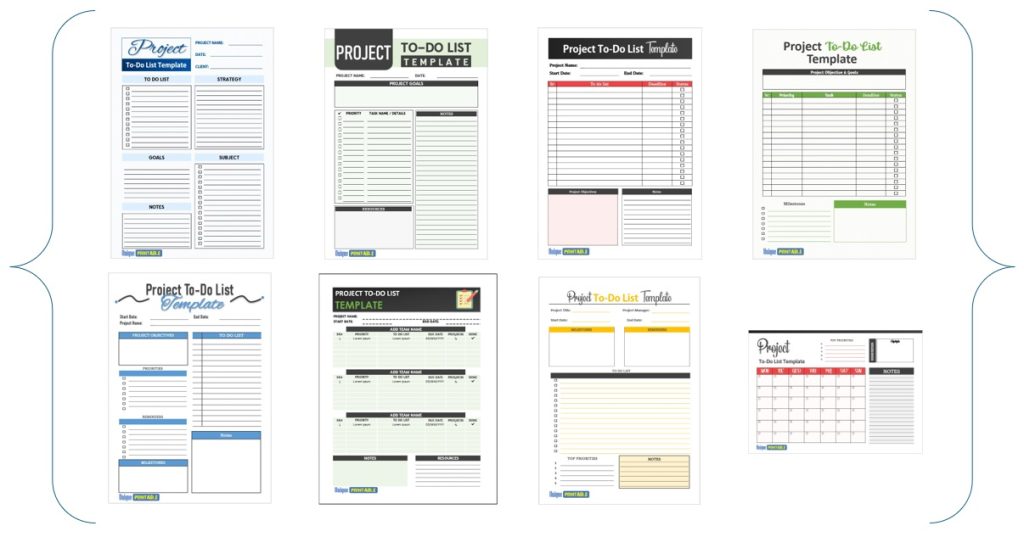
The quickest way to use a template payslip is to open an editable Word or Excel file, add your company header once, enter earnings and deductions for the pay period, and confirm that gross pay minus deductions equals net pay. Then send the employee a PDF copy. Once your master copy is set up, each slip takes about two minutes.
Most people searching for this are not payroll specialists. You run a small business, a school office or a household with a nanny or cleaner, and you need a salary slip that looks professional and does not skip a required line. Too many downloads are locked PDFs, sit behind an email form, or follow another country’s tax rules.
This guide starts with what a payslip must contain. It then walks through four steps: choose the file, build a branded master copy, fill in a worked example, and check and issue the slip. Unique Printable offers 10 free salary slip templates in MS Word, and every step below works with any other template you prefer.
What a payslip template needs before you start
The fields every salary slip should show
A payslip records what an employee earned, what was taken out and what was paid. Every salary slip should show gross pay, itemized deductions and net pay, so the employee can trace each number. Use this checklist to judge any template, including a sample of a salary slip you find online.

| Field | What to enter | Notes |
|---|---|---|
| Employer details | Company name, address, logo | Sits in the header |
| Employee details | Full name, employee ID, job title | The ID helps your records |
| Pay period and pay date | For example Nov 1 to Nov 30, paid Nov 30 | Avoids disputes about timing |
| Earnings | Basic salary, overtime, bonus, allowances | One row per item |
| Hours and rate | Hours worked, hourly rate | Needed when pay varies |
| Gross pay | Total of all earnings | Before any deductions |
| Deductions | Taxes, insurance, retirement, other | One row per item |
| Net pay | Gross pay minus deductions | The amount actually paid |
| Payment method | Bank transfer, check or cash | Works as proof of payment |
Rules differ by place. Federal US law does not require you to hand out pay stubs, but many states require an itemized wage statement, so check your state labor department before you skip one. In the UK, employers must provide payslips on or before payday.
A payslip is only as useful as the trail it shows from gross pay to net pay.
Word, Excel or PDF: which format fits
Word suits the layout and Excel suits the math. A Word file gives you a clean header, fixed rows and a print-ready page, which is plenty for a team of a few people. Excel earns its place when you issue the same slip every month and want totals to calculate themselves.
Treat PDF as the delivery format, not the working format. A fillable PDF is hard to edit and brand, while a Word or Excel file lets you change rows and add a logo, then export a PDF once the slip is final.
Step 1. Choose and open a template file
Pick the file that matches your payroll
Choose Word if you type a few numbers per employee and Excel if you want automatic totals. Our 10 free salary slip templates are MS Word files with an editable company header, earnings rows, deduction rows and a net pay line. Each download lists its file format, and no sign-up or email address is needed.
Compare the layouts and pick the one whose rows match your real pay items:
- Salaried staff with the same pay each month: a simple Word layout with one or two earnings rows.
- Hourly or overtime pay: a layout with separate rows for hours, rate and overtime.
- Several deductions: a layout with four or more deduction rows, so you do not squeeze items together.
Open it without Microsoft Office
You can upload the file to Google Drive and open it in Google Docs or Google Sheets, or open it in LibreOffice. The layout holds in both, but preview the table borders and fonts once before you print. You may use these slips to pay staff in any business at no charge, but you cannot resell the template files themselves.
Choose the layout whose rows match your real pay items, not the prettiest one.
Step 2. Brand a master copy once
Add your company details
Replace the header placeholders with your company name, address and logo, then set the paper size. Templates are set to A4 by default, so US employers should switch to US Letter in Page Setup (in Word, Layout, then Size). Keep fonts and colors simple, because many employees print payslips in black and white.
Save the master and copy it per employee
Save the branded file as a master and never type employee data into it. For each pay run, use Save As to create a new file named after the employee and the period. This way every slip starts from the same clean layout, and you never overwrite last month’s record.

- Master: payslip-master.docx
- Slip: payslip-2026-11-jane-doe.docx
Keep one untouched master, and every new slip starts from the same clean layout.
Step 3. Fill in earnings and deductions
A worked salary slip example
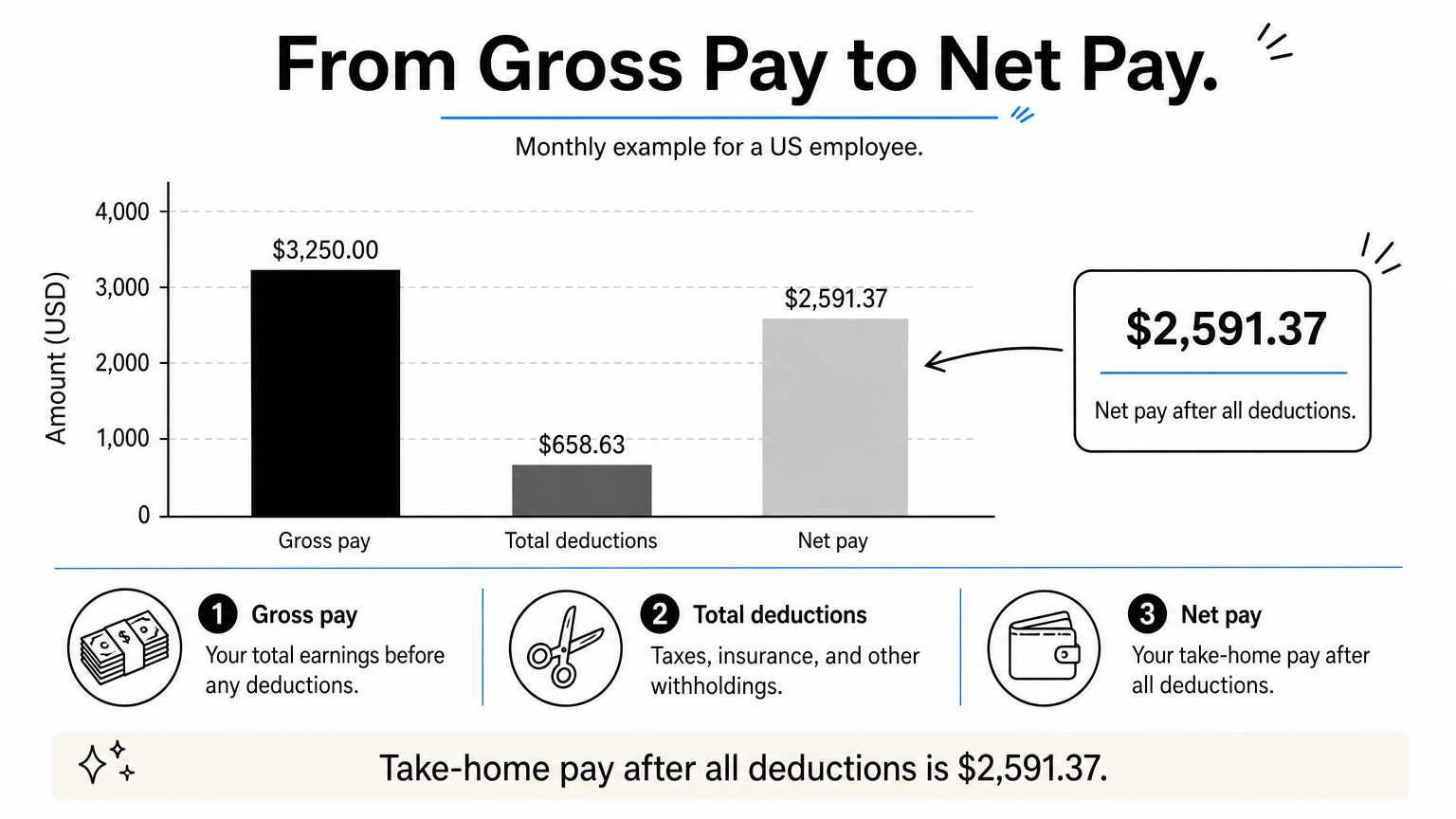
Here is a monthly slip for a US employee with a $3,000.00 base salary and 10 overtime hours. Gross pay is $3,250.00 and net pay is $2,591.37. The income tax figures are illustrative, because real withholding depends on the employee’s W-4 and state.
| Item | Type | Amount |
|---|---|---|
| Basic salary | Earning | $3,000.00 |
| Overtime (10 hrs at $25.00) | Earning | $250.00 |
| Gross pay | $3,250.00 | |
| Social Security (6.2%) | Deduction | $201.50 |
| Medicare (1.45%) | Deduction | $47.13 |
| Federal income tax | Deduction | $290.00 |
| State income tax | Deduction | $120.00 |
| Total deductions | $658.63 | |
| Net pay | $2,591.37 |
Pre-tax items such as health premiums or 401(k) contributions change taxable wages, so give them their own rows and have your payroll provider or accountant confirm the tax figures. Your matching share of Social Security and Medicare is an employer cost, so it does not appear as a deduction on the employee’s slip.
Let Excel add the totals
In Excel, three formulas do the work. With the table above starting in row 5 and the amounts in column C, use:
Medicare:         =ROUND(C7*0.0145,2)
Gross pay (C7):   =SUM(C5:C6)
Total deductions: =SUM(C8:C11)
Net pay:          =C7-C12
Adjust the cell references to your own layout. Rounding each percentage to cents keeps the printed slip consistent with the amounts you pay.
Put every deduction on its own row so the employee can see where each dollar went.
Step 4. Check, save and issue the slip
Run a three-point check
Check the math and the identity before the slip leaves your desk:
- The earnings rows add up to gross pay.
- Gross pay minus total deductions equals net pay.
- The name, pay period and pay date are right, and net pay matches the amount you actually paid.
The third point turns the slip into a reliable payment salary slip, a record of what reached the employee’s account.
Export to PDF and deliver it
Export the finished file to PDF so nobody changes a number by accident, then give it to the employee on or before payday. Send it to an email address the employee has agreed to, or hand over a printed copy in a sealed envelope. Payslips hold personal financial data, so never send them in a group email. Keep a copy of every slip with your payroll records for as long as your state and tax authority require.
A payslip is final only when the math checks out and the employee holds the PDF.
Start with one clean master copy
A good template payslip does one job: it shows how gross pay becomes net pay, line by line. Pick a Word or Excel file with the rows you need, brand it once, fill it in for each pay period, check the math and send a PDF. After the first slip, each later one takes a couple of minutes.
If you want a ready layout, try the free salary slip templates in Word at Unique Printable. They are free for commercial use with no account needed, so you can have your first slip filled in today.