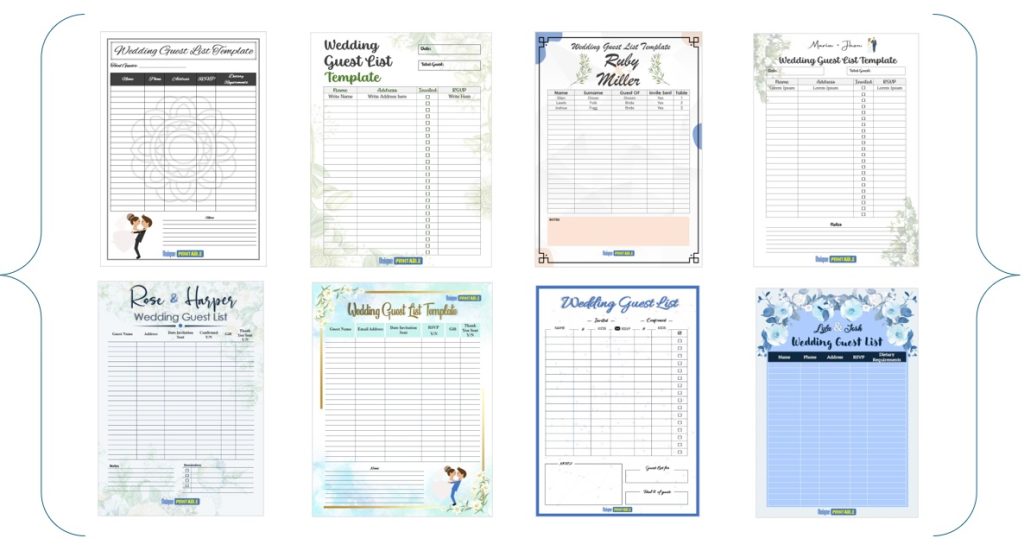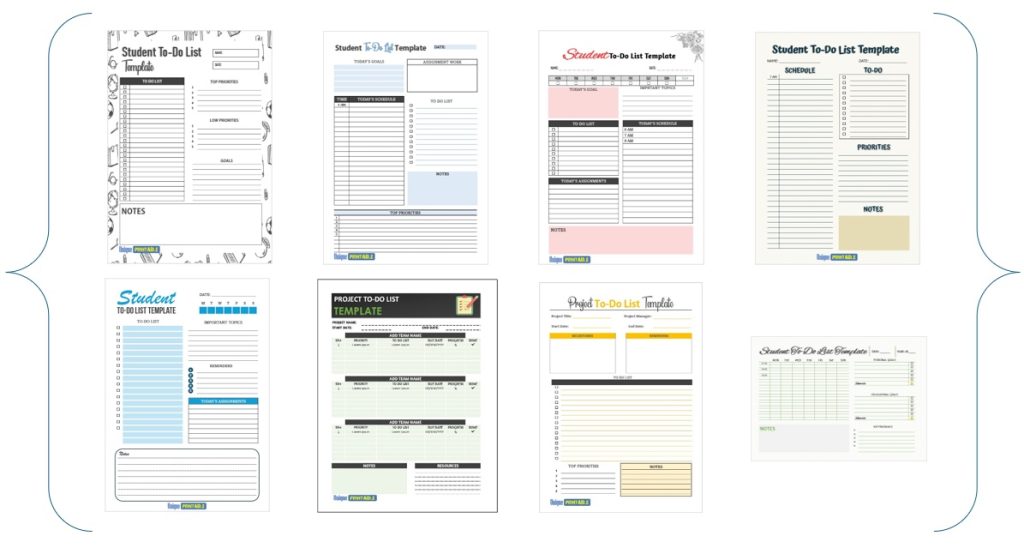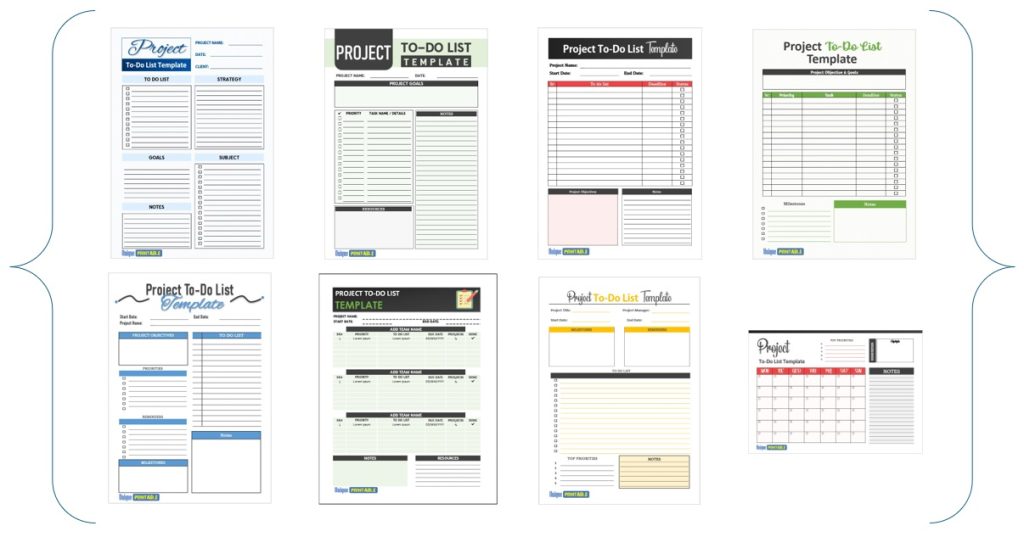
The best to do printable list matches the time span you are planning, opens in software you already own, and prints cleanly on your own paper. For a busy week, pick the weekly template. For one packed day, pick the daily one. Students, month-ahead planners and project leads each have a better fit, and all five are below.
Many free printable to-do lists are locked PDFs. You cannot rename the headings, add rows or change the paper size, so you end up writing around the layout. Heavily decorated pages also drain ink. A list that is too cramped or too short for your tasks usually gets abandoned by Wednesday.
This article covers five styles of free printable to-do list from Unique Printable, a library of more than 400 editable Word and Excel templates. Every file is free, needs no sign-up, and can be edited, printed or exported to PDF. For each style you will see what you get, who it suits, and how to set it up in a few minutes.
1. Weekly to-do list template
What you get

The free weekly to-do list templates give you a layout for the next seven days, so you can schedule and prioritize a full week on one sheet. Choose MS Word or MS Excel. Word suits a page you type or write into, and Excel suits a grid you can resize. Both formats are free.
Cap each day at a handful of tasks. A workable rule is three must-do items plus one slot for anything that slipped from yesterday. Seven days at four rows is 28 tasks, a realistic ceiling for most weeks.
A weekly list works when each day has a hard cap, not when it holds everything you could possibly do.
Who it suits and how to use it
This is the best starting point for professionals, businesspeople and students who plan by the week. Anyone who thinks in a Monday-to-Sunday rhythm will get the most value from it. Set it up in three steps:
- Open the file and rename the headings or add rows to fit your week.
- Type your tasks, then mark each one A, B or C by priority.
- Print on A4, switch to US Letter in Page Setup, or save as a PDF.
2. Daily to-do list template
What you get
The free daily to-do list collection has 10 templates in MS Word. You can print them and write by hand, or type into them on-screen first. They help you break the day into smaller tasks, rank them, and give each one a time frame.
Time frames are what separate a daily list from a weekly one. Write the task, then the slot, such as "9:00 to 9:45, reply to supplier emails". A task with no slot tends to slide to the evening, and then to tomorrow.
A daily list only works when every task has a time slot attached to it.
Who it suits and how to use it
Pick the daily style if your day is packed with small, separate jobs, such as a freelancer handling several clients or an office worker covering calls and errands. It also suits anyone who needs a checklist feel for one day. Try this routine:
- Write the list the evening before, so the morning starts with a plan.
- Type a box symbol (☐) before each task, so you can tick it off in pen after printing.
- Keep the list to what fits the hours you actually have.
3. Monthly to-do list template
What you get
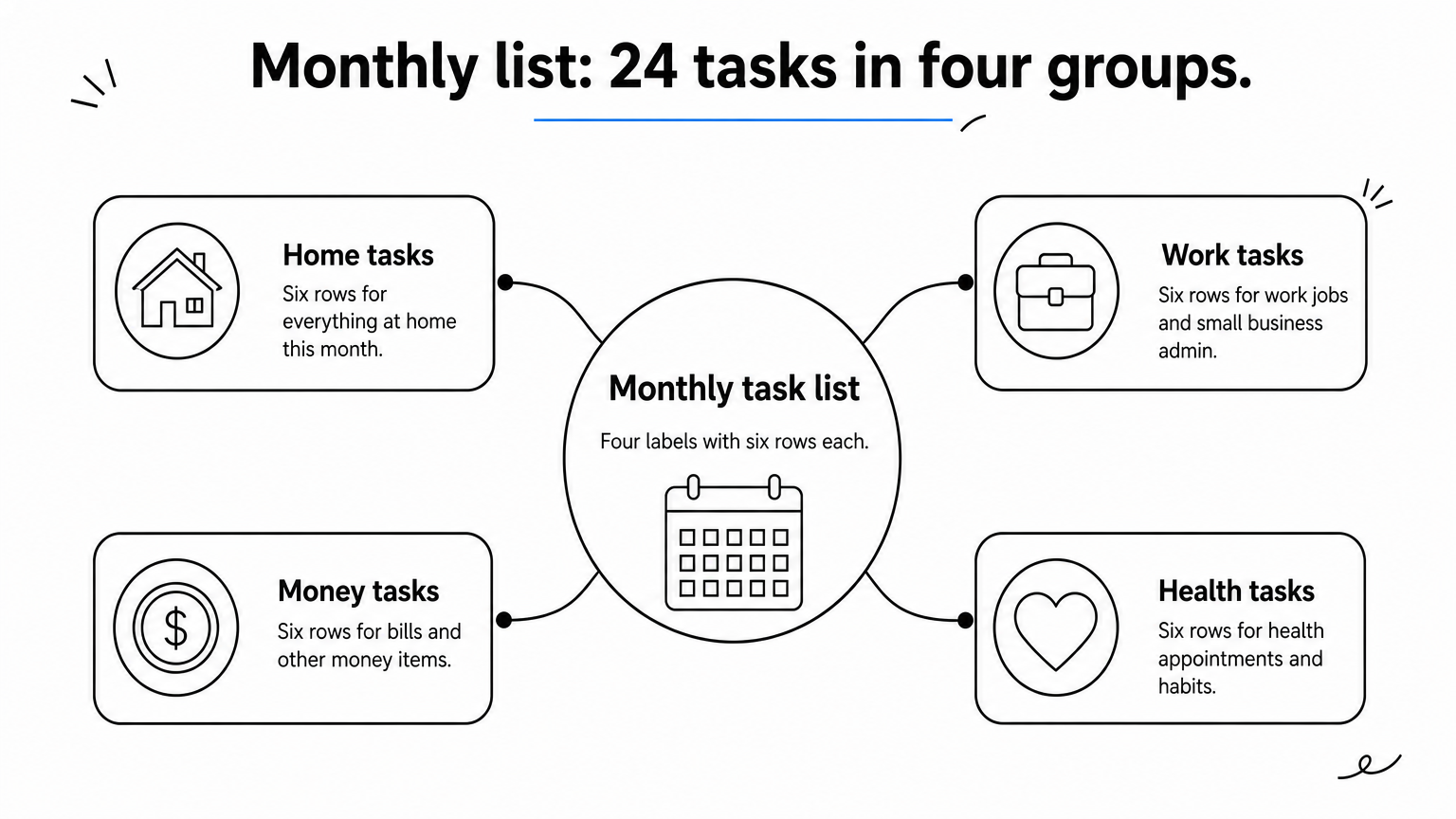
The monthly set has 9 free printable templates in MS Word and MS Excel. Every one is fully editable: change the month, the category labels and the number of rows, then print. The files are A4 by default.
Categories are the strength of this style. Set four labels, for example Home, Work, Money and Health, and give each six rows. That is 24 tasks for the month, grouped so nothing hides in a long list.
A monthly list is a parking place for tasks that do not have a day yet.
Who it suits and how to use it
This style suits people who track bills, appointments and recurring chores, and small business owners planning a month of admin. You may use the templates personally or in a business at no charge, but you cannot resell the files themselves. Make it a habit:
- Save one file as a master copy.
- Use Save As for each new month.
- Every Sunday, move the tasks you want to tackle into your weekly list.
4. Student to-do list template
What you get
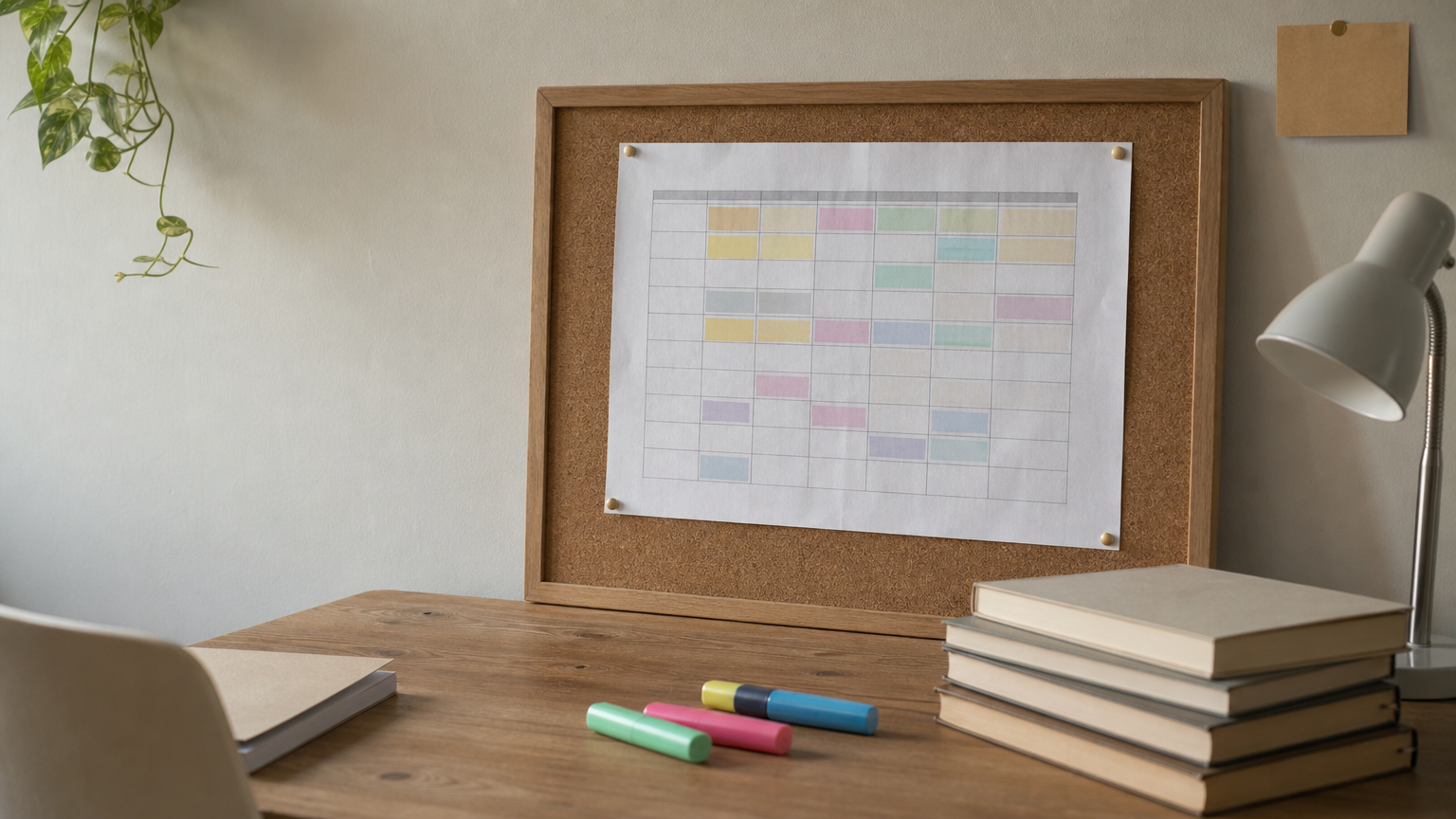
The free student to-do list templates come as MS Excel files, with six or more to choose from. They are built to help students plan and manage a daily routine, studies and extracurricular activities in one place.
Excel is a good fit here because you can add a column for subject and another for due date, then sort by date. Sort by due date, not by subject. A short essay due Thursday matters more than a long reading list due next month.
Students finish more when homework is ordered by due date, not by subject.
Who it suits and how to use it
These templates suit students. Want a cute printable to do list PDF free of charge? Add colour fills and a friendlier font in Excel, then export to PDF. A simple routine works well:
- Print one sheet per week and pin it above the desk.
- Give each subject a colour fill so deadlines stand out.
- Add a row for sport, clubs or work shifts, so study time is planned around them.
5. Project to-do list template
What you get
The free project to-do list templates, eight or more of them, come in MS Word and MS Excel. They organize the tasks of a project, the person responsible for each, and the time each task will be completed. Project managers use them to track finished and unfinished work and meet deadlines.
The owner column matters most. A task with no name beside it is a task nobody does. Add a status column too, with just two values, Open and Done, so a glance tells you where the project stands.
Every project task needs a name and a date, or it will not get done.
Who it suits and how to use it
This style suits project managers, team leads, event organizers and small business owners coordinating several people. Choose Excel if you want to sort and filter, and Word if you prefer a fixed layout to print for a meeting. Without Microsoft Office, you have two options:
- Upload the file to Google Drive and open it in Google Docs or Google Sheets.
- Open it in LibreOffice, which is also free.
Pick one style and print it
Choose the template that matches how far ahead you plan. Use the weekly list for most people, the daily list for crowded days, the monthly list for recurring tasks, the student list for homework and routines, and the project list when several people share the work. Each is editable, so adjust the rows and headings before you print.
Start with one style for a week and see whether you actually use it. If you do, keep a master copy and reuse it. If you do not, switch to a shorter timescale. Browse the full free to-do list templates at Unique Printable, open the file that fits, and print your first list today.