The best template for a billing invoice is the one that matches how you charge. Bill by the hour and you want an hourly Word file. Bill for advice or legal work and you want a layout built for those fees. Work in a trade like painting or cleaning and you need rows for materials and labor. Ship goods abroad and you need a commercial invoice with customs fields. The five picks below cover those cases, and each is free to edit and send.
Most people search for a free template for an invoice and find one of two things. Either the generic file is missing fields they need, or the download sits behind a sign-up, a trial or a watermark. The result is an invoice that looks unprofessional or slows down payment.
All five picks come from the invoice collection at Unique Printable, a free library of more than 400 editable Word and Excel templates. You download without an account or email address, and you can use the files for personal or commercial work. This article explains what each template contains, who it suits and how to edit and send it.
1. Hourly service invoice template
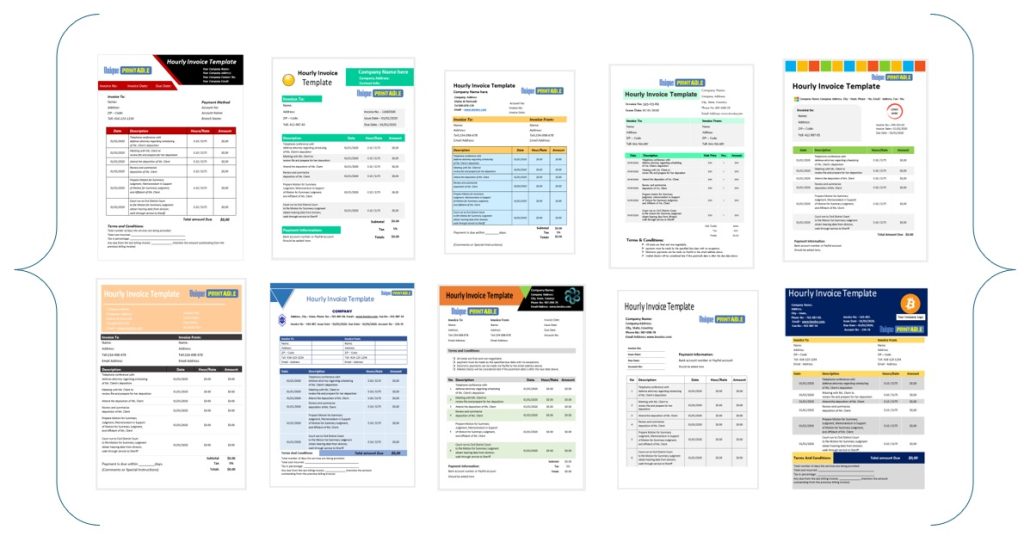
The hourly service invoice is the simplest pick and the right default if you charge for time. It is a Word file that puts services, hourly rate, final cost, due date and payment details on one page.

What it includes
Every billing invoice needs the same core fields:
- Invoice number and issue date
- Your business name and contact details
- Client name and address
- Services, hours and hourly rate
- Subtotal, tax and final cost
- Due date and payment instructions
A worked example: 6.5 hours at $85 per hour is $552.50. If 8% tax applies, that adds $44.20, so the total due is $596.70.
A good billing invoice answers three questions at a glance: what was done, what is owed and when it is due.
Who it suits
Freelance designers, writers, tutors, tradespeople and anyone else who sells time will get the most from it. Because it is a Word layout, you can change wording and rows freely without breaking a formula.
How to edit and send it
Open the file in Word, add your logo, business name and colors, then save it as a master copy. For each new client, use Save As and give the file a name like INV-001. Export to PDF before sending so the layout stays fixed. To use it in Google Docs, upload the file to Google Drive and open it with Docs. The default size is A4, and you can switch to US Letter in Page Setup.
2. Consultant invoice template
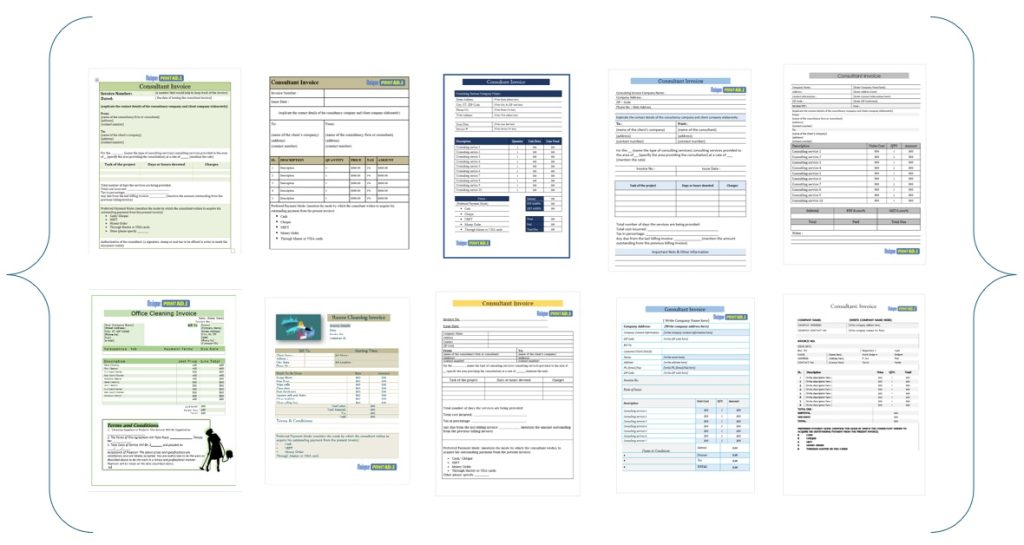
The consultant invoice templates are the pick for advisers who bill for projects or retainers as well as hours. The collection has eight or more designs in Word and Excel, all free.
What it includes
These templates are built to bill clients for services provided. Consultants often need more than a line like "consulting, 10 hours". Use the description rows to name the deliverable, the project phase or the period covered.
Describe the deliverable, not just the hours, and clients question your invoices less.
Who it suits
Independent consultants, small advisory firms and contractors who invoice on retainer will find a layout that fits. If your client’s accounts team wants to see detail, a clear description row saves follow-up emails.
Word or Excel
Choose Word for layout and wording, and Excel when you want the totals to calculate as you type. That split follows how the library is built: layout documents live in Word, and anything that calculates is in Excel. Both open in Google Docs or Sheets through Drive, and in LibreOffice if you do not own Microsoft Office.

3. Attorney invoice template
The attorney invoice templates are made for lawyers who bill for legal services. There are more than ten in Word and Excel, and you can edit and update them whenever you need.
What it includes
The templates let you state the fee type clearly: hourly fee, flat fee or contingency fee. That matters because a client reading a legal bill wants to see how the amount was reached. Add the matter name, a short description of the work done, the time or fee, and the amount due.
A legal invoice earns trust when the fee basis is stated plainly on the page.
Who it suits
Independent lawyers and small firms that do not want to pay for billing software will find these useful. Rules on what a legal bill must show vary by state, so check your bar association’s guidance before you finalize your layout.
How to edit and send it
Use the Excel version if you bill many small time entries and want the total calculated. Use Word if you prefer a clean narrative bill. Either way, keep a master copy with your firm details filled in, then save a PDF for each client. The tables and margins hold their layout when printed.
4. Painting and cleaning invoice templates
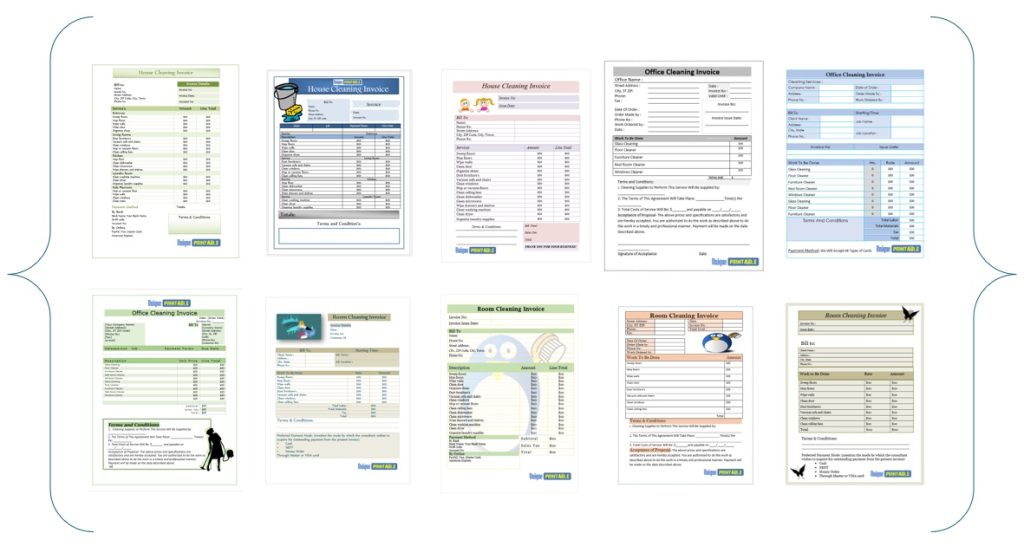
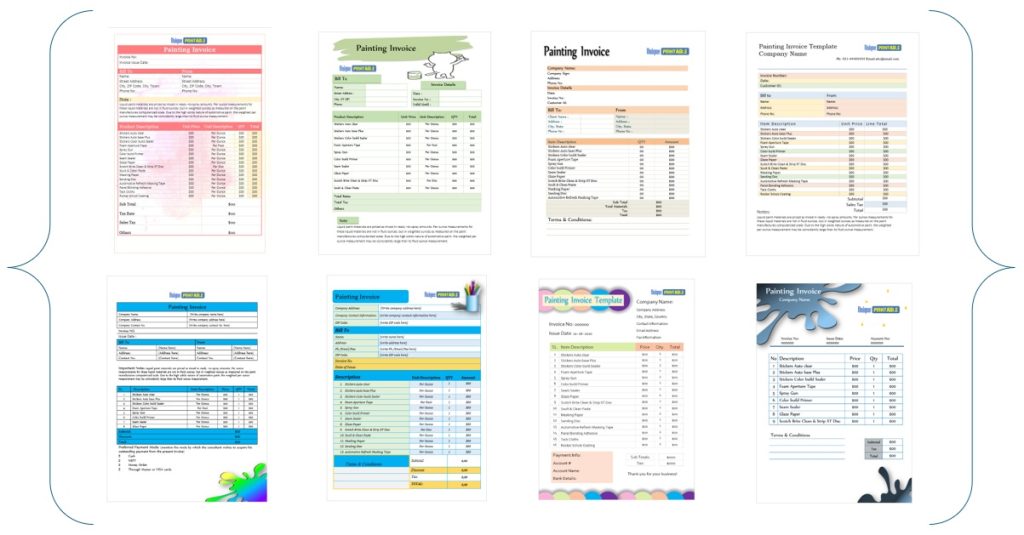
Painting and cleaning invoices suit trades where jobs include materials, labor and repeat visits. The painting templates come in Word and Excel, and the cleaning collection has more than ten Word templates.

What it includes
The painting template has fields for the work performed, materials, labor fees, taxes and payment terms. The cleaning templates are set up for services such as cleaning floors and glass windows. In both, list materials and labor on separate lines, because clients accept a bill more readily when they can see where the money went.
Splitting materials from labor is the quickest way to make a trade invoice look credible.
Who it suits
Painters, painting contractors and small cleaning companies are the obvious fit. So are handymen who want a ready layout and can swap the service names to match their own work.
How to edit and send it
Add your logo and colors, then rename the service rows to match your jobs. For repeat cleaning clients, keep one master per client with their address and standard rate already filled in. Painting jobs usually bill once, so use the Excel version if you want totals and tax calculated for you. Export to PDF or print on A4 or US Letter paper to hand over on site.
5. Commercial invoice template
The commercial invoice is the specialist pick for exporters. It is a set of six free Word templates that include proforma and export versions, with every field editable.
What it includes
Beyond the usual seller, buyer and price details, these templates have space for HS codes, country of origin and shipping terms. Customs authorities use a commercial invoice to clear a shipment and assess duty, so those fields matter more than the design. A proforma version is the one you issue before goods ship, to show the buyer what the final invoice will say.
On a commercial invoice, the customs fields do the real work, so fill them in accurately.
Who it suits
Small exporters, online sellers shipping abroad and manufacturers who ship occasionally will find these useful. If you ship regularly, ask your freight forwarder or customs broker which details they require for your destination.
How to edit and send it
Fill in the product descriptions, quantities, unit prices and shipping terms, and make sure they match your other shipping documents exactly. Mismatches cause delays. Save the finished file as a PDF, and keep the Word version as your master for the next shipment.
Pick the template that fits how you bill
A billing invoice works when it shows what you did, what is owed and when payment is due. Choose the hourly layout for time, the consultant or attorney versions for professional fees, the painting and cleaning templates for trade jobs, and the commercial invoice for exports. Then save your own master copy so the next invoice takes minutes.
If you want to try one now, browse the free invoice templates at Unique Printable. You can download in Word or Excel without an account and start editing right away.