The best template of a proposal matches the kind of work you are bidding for, comes as an editable Word file, and already has the standard sections laid out, so you only add your details. For software or IT work, start with the software development set. Contractors should take the construction set, and public-sector bidders the government project set. Land developers, founders raising money and organizers chasing sponsors each have a set built for them too.
Many free proposal templates sit behind sign-up forms, or they are generic outlines that fit no real project. You then spend an hour cutting the document down to your situation, and the client can tell it was not written for them. A proposal has one job, which is to get a yes. A template that fits your project gets you there faster.
This guide lists seven free proposal template sets from Unique Printable, a library of more than 400 editable Word and Excel templates that need no sign-up. Each entry shows what is inside, who it suits and how to customize it. The last section covers the five parts every proposal needs and how to open, edit and send a template in Word, Google Docs or PDF.
1. Software development proposal templates
What is inside
This set gives you 10 Word templates for software work. They cover fixed-price projects, time-and-materials work, mobile apps, web applications and ongoing support. Every section is editable, including the deliverables table and the payment milestone table. The billing model is the main difference between them:
- Fixed price: the scope is clear and you quote one number.
- Time and materials: the scope will move, so you bill for effort.
- Ongoing support: a retainer that starts after launch.
Choose the template by billing model first and app type second, because the pricing section decides how the whole proposal reads.
Who it suits
Developers, freelancers and small agencies writing for paying clients get the most from it, because the set was written for that situation. A client reading a software project proposal template wants to see deliverables, dates and payments, not a pitch about your tech stack.
An in-house team can also use it as a template for an IT project proposal to win budget from management. Swap the payment milestones for budget phases and the structure still holds.
How to customize it
Work through the template in this order:
- Pick the billing model and delete the others.
- Rewrite each row of the deliverables table in the client’s words, one row per item they can inspect.
- Tie every payment milestone to a delivered item, not a calendar date.
- List what is out of scope, such as hosting or content writing.
- Add your logo and company name, then save a master copy.
2. Construction proposal templates
What is inside
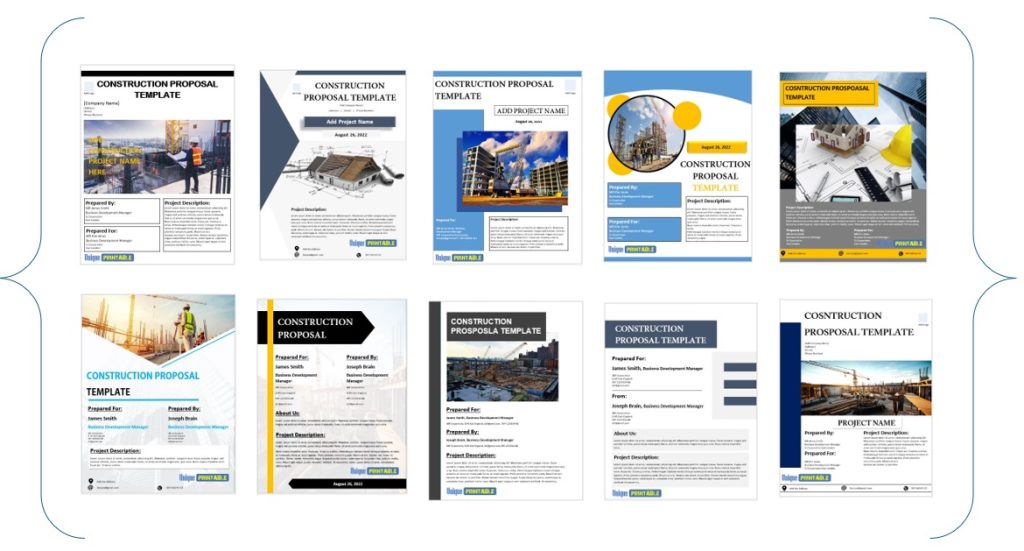
The construction set is a group of 10+ free, modifiable templates in Word, created by the site’s professionals. You fill in the project details and get a bid document for the client without starting from a blank page. A solid bid needs five things, so check that your chosen template has a place for each:

- Scope of work, phase by phase
- Labor and materials costs, shown separately
- A schedule with start and finish dates
- Payment terms
- How long the price stays valid
Who it suits
Contractors, subcontractors and trades bidding for residential or commercial jobs will use it most. Clients comparing bids look for the one that is clear about what is included.
A template proposal for a project with itemized costs reads as more credible than a one-line quote.
An itemized bid shows the client where every dollar goes, which builds trust before you win the job.
How to customize it
Break the price into lines. The figures below are an illustration for a small kitchen remodel, so replace them with your own.
| Line | Amount |
|---|---|
| Labor | $7,200.00 |
| Materials | $11,500.00 |
| Equipment rental | $900.00 |
| Permits | $450.00 |
| Subtotal | $20,050.00 |
| Contingency (5%) | $1,002.50 |
| Total | $21,052.50 |
Set the contingency to match the risk of the job, and put the validity period right next to the total.
3. Government project proposal templates
What is inside
This set has 10 Word templates for public-sector bids. They cover tender responses, technical and financial submissions, grant applications and capability statements. All sections are editable. Many agencies review the technical and financial parts separately, so having them as distinct documents saves you from untangling one long file.
Who it suits
Contractors, consultants and organizations can use and brand these templates at no charge. They suit anyone drafting a project proposal template response to a public body, from a small consultancy to a community nonprofit chasing a grant.
One rule outranks everything else here. Where an authority specifies a format, that format overrides every template.
A template gives you structure, but the buyer’s own instructions always win.
How to customize it
Treat the solicitation as the real template:
- Read it fully and list every requirement.
- Mirror its headings and numbering in your document.
- Answer in the order the buyer asks.
- Check page limits, forms and deadlines before you write a word.
- If the authority supplies its own format, build in that file and borrow only the wording from the template.
4. Land development proposal templates
What is inside
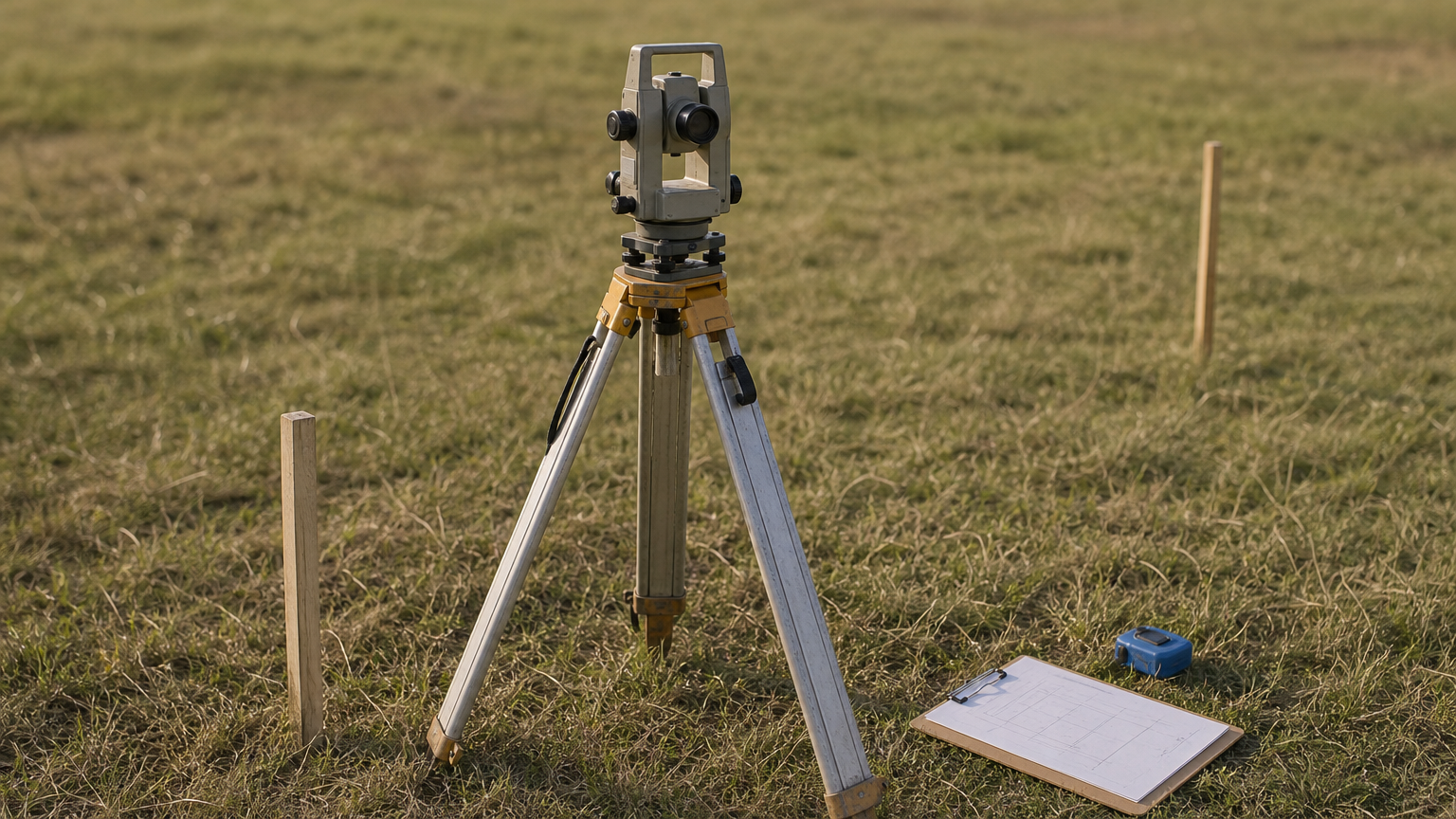
You get 10 Word templates for land development. They cover residential subdivisions, commercial schemes, feasibility studies, phasing plans and development budgets. All sections are editable, so you add site-specific detail rather than building the structure yourself.
The set also works for Google Docs. Upload the .docx file to Google Drive, right-click it and choose Open with, then Google Docs. Check tables and page breaks after the conversion.
Who it suits
Developers, consultants and landowners can use and brand the templates at no charge. They fit anyone who must show a lender, partner or planning body that a site can work.
Landowners testing interest in a parcel can start with the feasibility template before committing to a full scheme. That keeps the first document short and the cost of being wrong low.
A land proposal is persuasive when the site facts come first and the vision comes second.
How to customize it
Add the facts a reviewer will look for, in this order:
- Location, parcel size and current use.
- Zoning or planning status.
- Access and utilities.
- Phasing, with a start and end for each phase.
- A budget per phase, not one lump sum.
5. Business venture proposal templates
What is inside
This set has 10 free Word templates with the standard sections already structured: executive summary, market analysis, financials, timeline and terms. It is meant for putting an opportunity in front of someone who can fund it, partner on it or approve it.
Who it suits
Founders, small business owners and managers pitching a new service, location or product line will find it useful. The reader is usually a partner, a lender or a boss who has ten other things to read.
It is the closest match to a general proposal template for a business idea, so if no specialist set fits, start here.
The reader decides on page one, so give the executive summary your best writing.
How to customize it
Fill the sections in a different order than they appear:
- Write the market analysis and financials first, with your assumptions stated.
- Build the timeline from the financials.
- Draft the terms: what you are asking for and what the other side gets.
- Write the executive summary last, in under one page.
- Cut any claim you cannot back with a number or a source.
6. Investment proposal templates
What is inside
The investment set holds 10 free Word templates for startup funding, equity offers, property investment and project finance. Each has the expected sections structured, for people asking an investor for capital. An investor reading one wants three answers: how much you need, what it will be used for, and what comes back.
Who it suits
Startup founders, property investors and project sponsors asking for outside capital will use it. It differs from the business venture set because the whole document builds toward a specific funding ask.
If you are offering equity to outside investors, securities rules may apply. Have a qualified lawyer review the document before you send it.
Lead with the amount you are asking for and what it buys, because an investor reads everything else against that number.
How to customize it
Make the ask impossible to miss:
- State the amount and the type of deal on the first page.
- Break down the use of funds by category.
- Show the return or exit path you expect, with the assumptions behind it.
- List the main risks in plain words.
- Add your own branding, then export a PDF to send.
7. Sponsorship proposal templates
What is inside
This collection has 10 free Word templates covering events, sports clubs, conferences, charity fundraisers and in-kind support. All sections are editable, including the sponsorship tier tables, so you set your own packages and prices.
Who it suits
Event organizers, club committees and charity teams asking local or corporate sponsors for support will use it most. A sponsor wants to know who will see their name and what they get for the money.
In-kind support works too. A caterer who donates food is a sponsor, so give that offer a place in your tiers.
Sponsors say yes to clear packages, so price your tiers before you write the pitch.
How to customize it
Set the tiers first. This example is for a conference with a $20,000 goal.
| Tier | Price | Example benefits |
|---|---|---|
| Gold | $5,000 | Logo on banner and website, speaking slot, 6 tickets |
| Silver | $2,500 | Logo on banner and website, 4 tickets |
| Bronze | $1,000 | Logo on website, 2 tickets |
Two Gold, two Silver and five Bronze sponsors would raise $20,000 ($10,000 + $5,000 + $5,000). Knowing that mix tells you how many sponsors to approach.
8. What every proposal needs and how to edit a template
The five parts every proposal needs
A proper proposal format has five parts: a summary, the problem, the solution and scope, the timeline and pricing, and the terms. A simple proposal keeps each part short, and the table shows what each one does.
| Part | Question it answers | What goes in it |
|---|---|---|
| Summary | Why should I keep reading? | The offer, the outcome and the price range |
| Problem or need | What are we solving? | The client’s situation, in their words |
| Solution and scope | What exactly will you do? | Deliverables, method and exclusions |
| Timeline and pricing | When, and how much? | Milestones, costs and payment schedule |
| Terms and acceptance | What happens next? | Validity period, payment terms, signature lines |
If a template skips one of these five parts, add it before you send anything.
Opening a template in Word, Google Docs or PDF
Open the .docx file in Microsoft Word and edit directly. For Google Docs, upload the file to Google Drive, right-click it and choose Open with, then Google Docs. LibreOffice also opens the files for free.
Templates are set to A4 by default. In the US, switch to US Letter through Page Setup in Word before you print. When the proposal is finished, export it to PDF to send, so the client cannot change your figures by accident. Keep the Word file for your own edits.
Turning your best proposal into your own template
Once a proposal wins, save it as a master copy. Remove the client’s name and prices, keep the structure and any wording that worked, and use Save As for every new proposal. That way your own template improves with each bid.
All the files are free for personal or commercial use, and you can add your own logo and colors. The only limit is that you cannot resell the template files themselves. The proposal category holds about 80 templates in total, so if your work is transportation, such as a haulage or school bus contract, there is a set for that as well.
Pick the set that fits your project
A good template of a proposal saves you the structure work and leaves you the part that wins the job: the facts about your project and your price. Match the set to the work. Use software for development and IT, construction for bids, government for tenders, land for site schemes, venture or investment for funding, and sponsorship for events. Then fill in the five core parts, add your branding and send a PDF.
Every template above is a free Word file with no sign-up, ready to edit in Word, Google Docs or LibreOffice. If your project does not match one of these seven, browse the full library of free proposal templates and find the document that fits.